WebP to GIF Converter
Drop a WebP in, animated or still, and download it as a GIF with its timing and see-through parts kept. Nothing is uploaded.
 Download GIF
This WebP to GIF converter turns a WebP picture into a GIF in your browser, with no upload. An animated WebP keeps every frame and the time each one shows, a still WebP becomes a one-frame GIF, and a see-through background stays see-through. WebP is what stickers and web pages are made of these days, and GIF is what most places still ask for, so the two meet here.
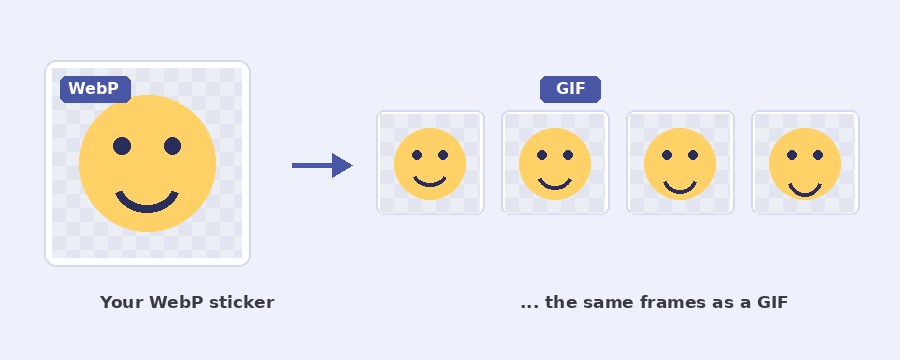
How do I convert a WebP to a GIF?
- Select WebP. Click the button or drop the file on the box. The picture opens on the stage, and an animated one starts to play.
- Leave the timing as it is, or thin it. As the WebP keeps every frame at its own time. Pick a rate only when you want a smaller file, and Speed if the loop should run slower or faster.
- Choose the background. A WebP with see-through parts shows a Background card: keep it see-through, or untick and pick a colour to go behind it.
- Download GIF. The line under the stage says the size, the frame count and the length before you click.
Where WebP comes from, and why the GIF is still needed
WhatsApp and Telegram stickers are animated WebP files, Google and most big sites serve their pictures as WebP, and a right-click save from a web page gives you WebP more often than not. The format is excellent at being small. What it is poor at is being accepted: forums, older chat apps, email, many upload forms and a lot of content systems either refuse a WebP outright or show it as a broken picture, and none of them play an animated one. A GIF goes in everywhere. Converting a sticker pack this way is the usual reason people land here, and the frames, the loop and the see-through background all come through.
What is lost between WebP and GIF?
Two things, and for most stickers neither shows. A WebP can hold millions of colours; a GIF holds 256 a frame, so a photo-like WebP picks up a faint grain where smooth shades were. And a WebP can have soft, partly see-through edges, while a GIF pixel is either fully see-through or not, so a soft shadow around a sticker becomes a crisp edge. Flat-colour drawings, which is what most stickers are, convert with nothing visible lost. The frame timing is kept exactly, to the hundredth of a second that GIF stores.
Does a still WebP convert too?
Yes. A WebP with no animation becomes a GIF with one frame, which is what you need when a site takes GIF uploads and nothing else. The rate and speed settings hide, since there is nothing for them to do, and only the background stays. The tool tells the two apart on its own, so there is nothing to set.
Which browsers read the whole animation?
Chrome and Edge take an animated WebP apart frame by frame, so the GIF has every frame. Safari and Firefox do not yet give a page the frames of a WebP, only the first picture, so there the result is a one-frame GIF. If your WebP comes out still and it should not, open this page in Chrome or Edge. Everything else is the same in every browser. The GIF can be made smaller with the GIF compressor, and a WebP that is a video clip rather than a picture belongs on the WebM to GIF page, which also explains the speed choice. To put the finished sticker on a photo, use add GIF to photo.
Your WebP stays on your device
Nothing is uploaded. The WebP is opened, its frames are drawn and the GIF is written by the page itself, in your own browser. No server sees your sticker or picture, there is no account and no watermark. The page downloads its own code and sends nothing back, and closing the tab leaves nothing behind.
Frequently Asked Questions
Why does my animated WebP come out as a single frame?
Your browser is reading only the first frame. Chrome and Edge can take an animated WebP apart frame by frame; Safari and Firefox cannot yet, so there the tool gets one picture and makes a one-frame GIF. Open the page in Chrome or Edge and the whole animation comes through.
Why does the GIF look a little rougher than the WebP?
A WebP can hold millions of colours and soft, partly see-through edges. A GIF holds 256 colours a frame and a pixel is either fully see-through or not. Photo-like stickers show it most as a slight grain. Flat-colour stickers and drawings come through almost unchanged.
Can I convert a whole folder of WebP stickers?
One file at a time here, each in a second or two. For a batch, the GIF maker takes many pictures at once, but it joins them into one GIF rather than making one GIF per file.
What does Keep transparent background do?
A WebP sticker usually has a see-through background. Ticked, the GIF keeps it see-through, so the sticker sits on any chat colour. Unticked, the colour you pick goes behind it, which some older apps need because they show a see-through GIF on black.